Microtest OMNIScanner LT Guida Utente Pagina 78
- Pagina / 104
- Indice
- SEGNALIBRI

- OMNIScanner 1
- OMNIFiber 3
- Contents 5
- Chapter 1 - Introduction 9
- Microtest Utilities Software 10
- OMNIScanner’s Display 10
- OMNIScanner’s Keypad 11
- AUTOTEST 12
- OMNIScanner User Guide 13
- OMNIRemote’s LED Indicators 14
- OMNIRemote Keys 14
- When To Use OMNIRemote 15
- OMNIFiber’s LED Indicators 16
- Editing With OMNIScanner 17
- Editing Alphanumeric Fields 18
- Technical Support 19
- Product Versions 20
- Chapter 2 - Getting Started 21
- Preparation 22
- Certification 22
- Completion 22
- Setting the Reference 23
- Project Selection 24
- 25
- Basic Link 31
- Full Channel with Modular 8 32
- Chapter 3 - Setup 33
- Autotests 35
- Projects 39
- Editing a Circuit ID 40
- Autotest Options 41
- User Options 42
- Remote Info 43
- Fiber Adapter Info 44
- Fiber Test Options 44
- Chapter 4 - Measurements 45
- General Information 46
- Length/Delay 48
- Attenuation 50
- Return Loss 51
- ACR/Bandwidth 53
- Resistance 54
- Power Sum NEXT 54
- Power Sum ELFEXT 55
- Power Sum ACR 55
- Office Locator 56
- Measurements with OMNIFiber 57
- Power Meter 58
- Chapter 5 - Diagnostics 59
- Wiremap Displays 60
- TDNXT Examples 63
- Using TDRL to Diagnose a Link 65
- TDRL Examples 66
- Chapter 6 - Results 69
- Viewing Autotest Results 70
- (See Appendix C for 72
- Establishing the Reference 73
- The Launch Cable 73
- The Reference Methods 74
- 75
- Method C 76
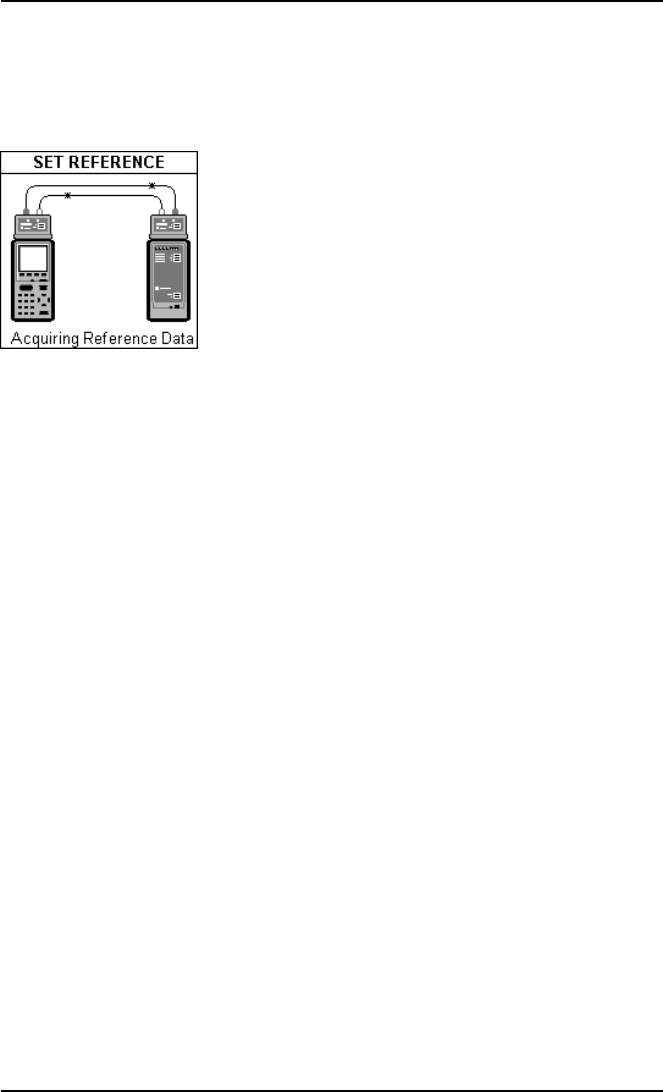
- Set Reference 77
- OMNIScanner User Guide 78
- Preparing an Autotest 79
- METHOD B 80
- METHOD C 80
- Loopback Autotest 81
- Running a Fiber Autotest 82
- Fiber Autotest Results 83
- Microtest Utilities 85
- Physical Characteristics 91
- User Interface 91
- Environmental 92
- Serial Port 92
- OMNIScanner Test Functions 93
- OMNIFiber Test Functions 94
- Wire Map 94
- ELFEXT (Equal Level FEXT) 95
- Bandwidth 95
- Note: Measurements 97
- Appendix B - Batteries 99
- Battery Charging 100
- Battery Tips 100
- Criteria 101
- OmniScanner User Guide 102
- Appendix D - Cable Pin-Outs 103
- Cable Pin-Out Signals 104
© 2020, manymanuals.it. Tutti i diritti riservati | 0.029 s |
 Manymanuals.com
 Manymanuals.de
 Manymanuals.fr
 Manymanuals.it
 Manymanuals.pl
 Manymanuals.cz
 Manymanuals.es
 Manymanuals-pt.com
Commenti su questo manuale